
Download Zello – walkie-talkie, voice chat, instant messaging, communication app, group chat, real-time communication, mobile walkie-talkie, voice messaging, communication tool, walkie-talkie app
Overview
Zello is a mobile communication application designed to transform smartphones into walkie-talkie-style devices, enabling real-time voice transmission with minimal latency. The app serves as a versatile tool for both personal and professional communication, offering instant voice messaging capabilities that allow users to connect with individuals or groups through a single tap. By leveraging push-to-talk functionality, Zello enables users to send voice messages instantly, making it ideal for scenarios requiring quick, efficient, and reliable communication.
Designed for users who need fast, low-friction interaction without the need for a phone call, Zello fills a niche in the communication app ecosystem by prioritizing immediacy and simplicity. It is particularly useful in environments where hands-free, rapid coordination is essential—such as event management, team operations, or coordinating with family members during emergencies. The app supports one-on-one conversations as well as group transmissions, allowing multiple participants to engage simultaneously in a shared communication channel.
Developed by Zello, Inc., the app has established itself as a reliable solution for real-time voice exchange across diverse use cases. Although specific details about the company’s background were not provided, the app’s long-standing presence in the market and consistent updates suggest a commitment to stability and user experience. Zello’s ability to function across both Android and iOS platforms enhances its accessibility, making it a practical choice for users across different ecosystems.
Key Features & Functionality
- Push-to-Talk Interface: A single button allows users to begin recording instantly. Holding the button transmits voice in real time, while releasing it stops transmission, enabling quick and intuitive communication.
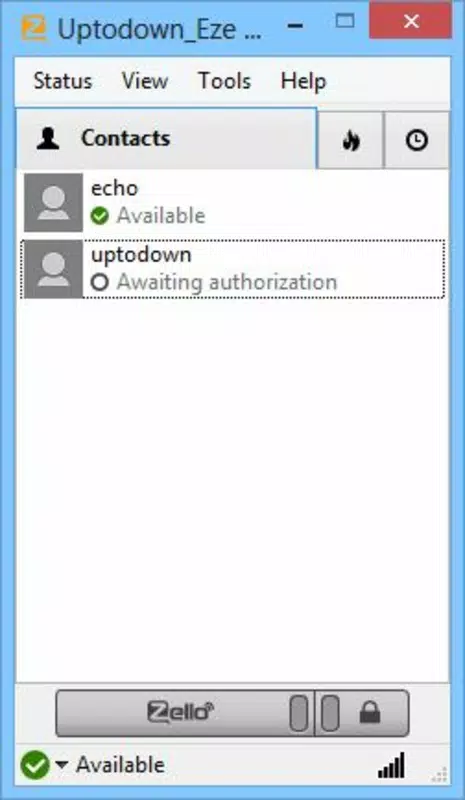
- Account-Based Contact Management: Users can create a profile to be discoverable by others. This feature simplifies connection with friends, family, or coworkers without needing to exchange contact details manually.
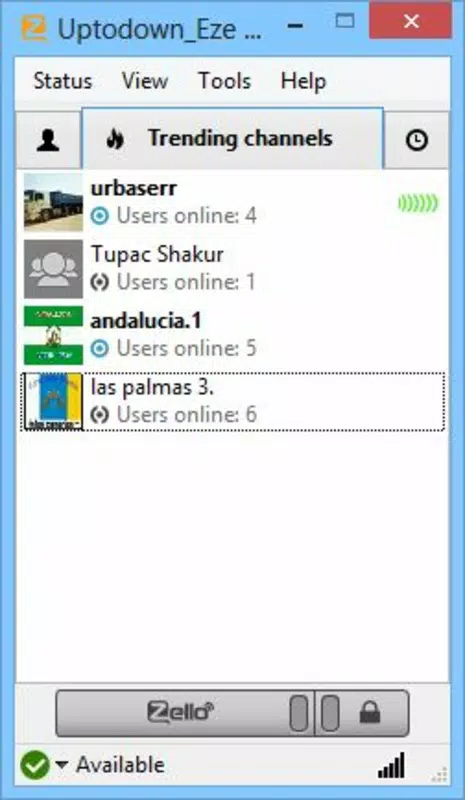
- Group and Channel Communication: The app supports access to public and private channels, enabling multiple users to participate in a single conversation. This is ideal for team coordination, community discussions, or organizing events.
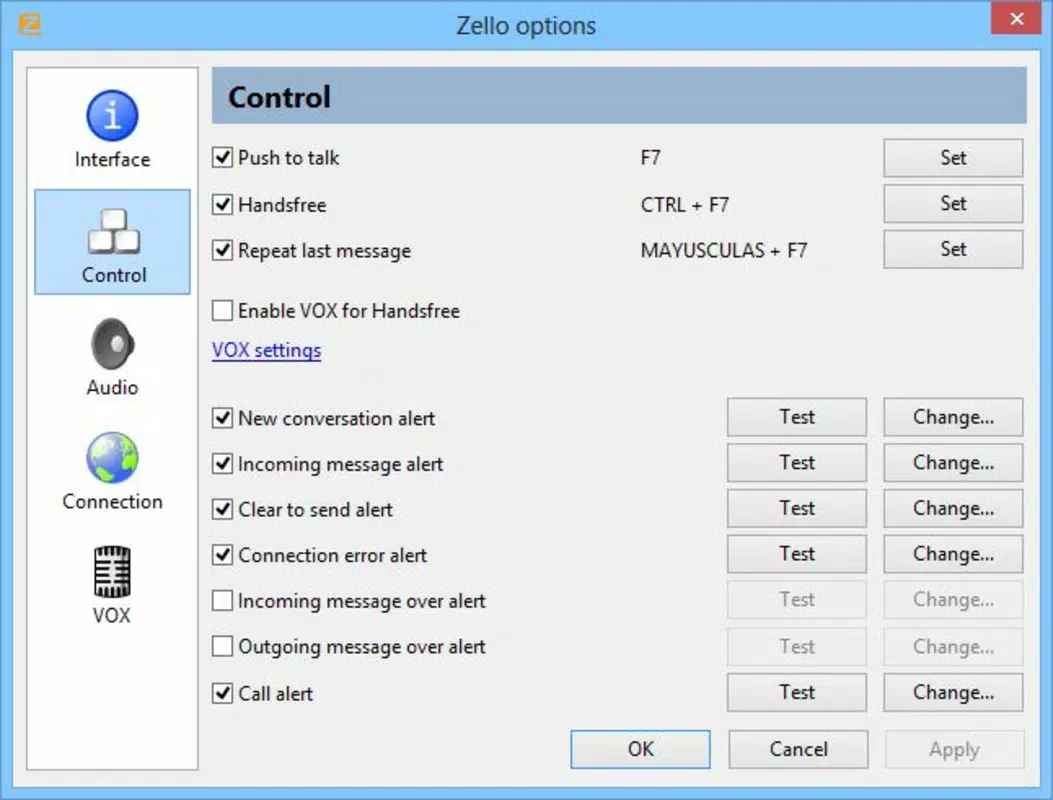
- Customizable Settings: Users can personalize their experience by organizing favorite contacts, adjusting audio sensitivity, and managing notification preferences to suit their workflow or environment.
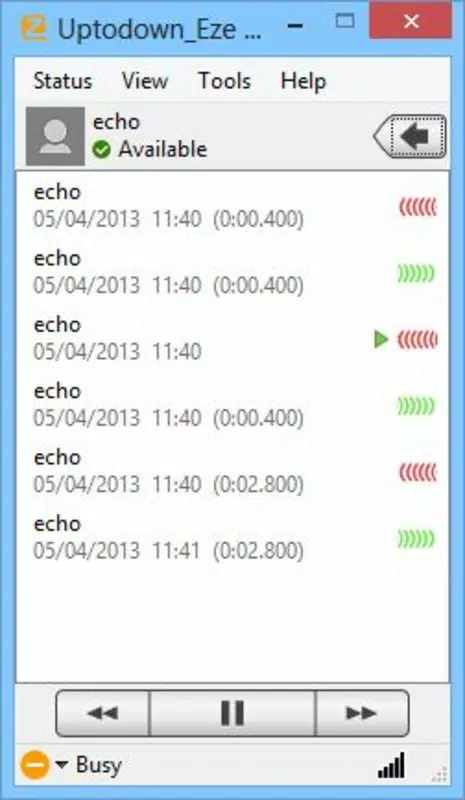
- Real-Time Voice Messaging: Messages are delivered within seconds, ensuring minimal delay. This makes Zello suitable for time-sensitive interactions where immediate feedback is crucial.
For example, a school staff member could use Zello to coordinate with colleagues during an emergency, sending urgent updates instantly. Similarly, a group of hikers might use a shared channel to stay in touch while navigating remote trails. The app’s design emphasizes speed and clarity, eliminating the need for lengthy text messages or waiting for call connections.
Interface, UX & Performance
Zello features a clean, minimal interface centered around a large push-to-talk button, which dominates the screen and ensures effortless access. The layout prioritizes function over decoration, with secondary controls—such as contact lists, channel access, and settings—organized in a collapsible sidebar or navigation menu. This design reduces visual clutter and enhances usability, especially during high-pressure situations.
Navigation is straightforward: users can switch between individual chats, group channels, and their contact list with minimal taps. The app maintains consistent behavior across sessions, contributing to a predictable and reliable user experience. Although the developer did not list formal performance metrics, the app’s lightweight nature—measuring just 30.4 MB—suggests efficient resource usage, which likely contributes to smooth operation on a wide range of devices.
Responsiveness is a key strength, with voice transmission beginning almost immediately after pressing the button. The app maintains stable connectivity under normal network conditions, and audio quality remains clear during extended use. While specific details about battery consumption or background performance were not disclosed, the app’s design implies optimization for sustained use in both personal and professional settings.
Platform Compatibility & Technical Requirements
Zello is available on both Android and iOS platforms, ensuring broad accessibility across major mobile ecosystems. The current version is 10.3.0, with a file size of 30.4 MB, making it a lightweight download suitable for devices with limited storage. The app is free to download and use, with no in-app purchases or subscription fees currently listed.
Although the developer did not specify minimum OS requirements, the app’s compatibility with both modern Android and iOS versions suggests it supports recent operating systems. Users should ensure their device meets the standard requirements for running contemporary mobile applications. Specific hardware or network prerequisites were not disclosed.
Pros and Cons
- Free to download and use with no hidden costs
- Lightweight size (30.4 MB) ideal for low-storage devices
- Intuitive push-to-talk interface for rapid communication
- Supports both individual and group voice transmission
- Accessible across Android and iOS platforms
- No offline functionality reported
- Dependent on stable internet connectivity for real-time use
- Customization options are limited compared to full-featured messaging platforms
- Public channels may require careful moderation to avoid spam
- Developer did not provide detailed privacy or data usage policies
FAQ
Is Zello safe to use on my smartphone?
Zello is a secure communication tool developed by a reputable company. It uses encrypted connections to transmit voice data, ensuring privacy during conversations. However, users should remain cautious when joining public channels and avoid sharing sensitive information.
Can I use Zello without an internet connection?
No, Zello requires an active internet connection to function. It relies on cloud-based servers to route voice messages in real time, so offline usage is not supported.
Is Zello available for both Android and iOS devices?
Yes, Zello is compatible with both Android and iOS platforms. Users can download the app from their respective app stores.
Does Zello offer updates regularly?
Yes, the app receives regular updates to improve performance, fix bugs, and introduce new features. The current version is 10.3.0, released on June 15, 2023.
Can I use Zello for professional team communication?
Yes, Zello is well-suited for team coordination in professional environments such as event management, logistics, or security operations. Its real-time voice capabilities make it ideal for fast, reliable communication among team members.
Final Thoughts
Zello stands out as a streamlined, efficient solution for users who prioritize speed and simplicity in voice communication. Its walkie-talkie functionality delivers instant connectivity, making it a powerful tool for both casual and professional use. The app’s lightweight design, cross-platform availability, and straightforward interface make it accessible to a wide audience, from families coordinating daily activities to teams managing complex operations.
While it lacks advanced features found in full-featured messaging apps, Zello excels in its core purpose: delivering real-time voice communication with minimal friction. For users seeking a reliable, no-cost alternative to traditional voice calls or text-based messaging, Zello offers a compelling value proposition.
Download Zello now


